


Networking simplified
To this day, Windows-based networking remains a needlessly complicated activity that the average home user would prefer to avoid. Yet, with more and more households equipped with multiple PCs, networking is becoming increasingly important for everyday users.
With Vista, Microsoft completely revamped the Windows networking architecture, simplifying common tasks such as connecting to wireless networks. However, sharing files and content between multiple systems on a home network remained an arduous task for all but the tech-savvy.
Home users, it seems, don't necessarily want to know about folder permissions, network discovery, or encryption; they want a system that just works - and now, they have one; it's called HomeGroup.
New to Windows 7, HomeGroup takes the complications out of network sharing and it's so easy your parents could use it - probably.
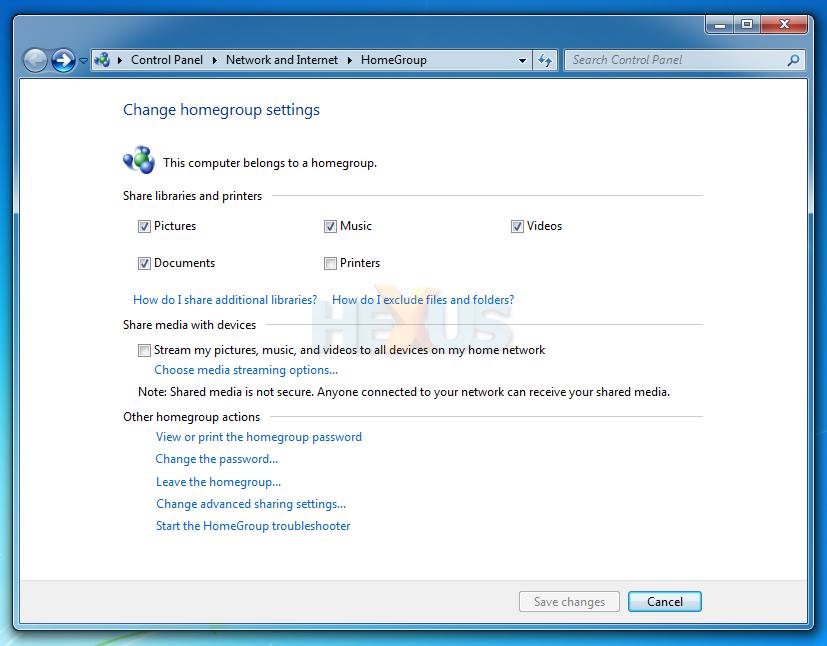
Here's how it works. Create a HomeGroup on one PC (you'll be provided with a password that can be changed if need be), and any other PCs on the same network will find the HomeGroup and give you the option to join. Joining is as easy as entering the password, and you can choose exactly what you want to share - default options include pictures, music, videos, documents and printers.
The myriad of advanced sharing settings are still available behind the scenes, but the average user should find little need to look further than HomeGroup - it does what it says on the tin, and it does it well.
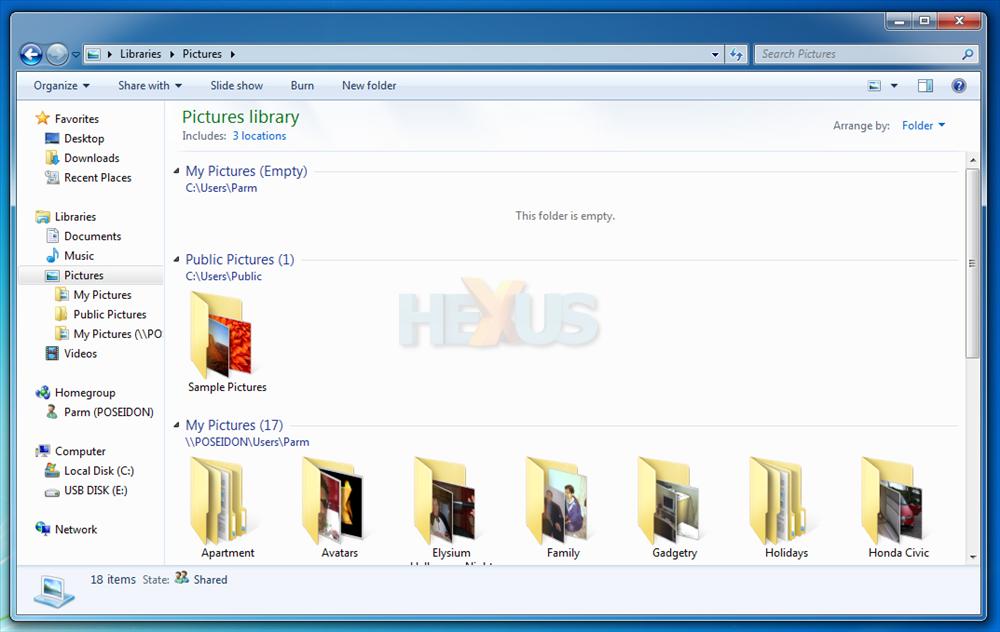
What's useful is that HomeGroup ties in with another of our favourite Windows 7 features; Libraries. Making it easier to share your content, HomeGroup won't just share individual folders, it'll share aggregated content sourced from pre-configured Libraries. Furthermore, networked HomeGroup content can be added to a local Library, as shown above, providing the ability to view content spread across multiple home PCs in a single location.
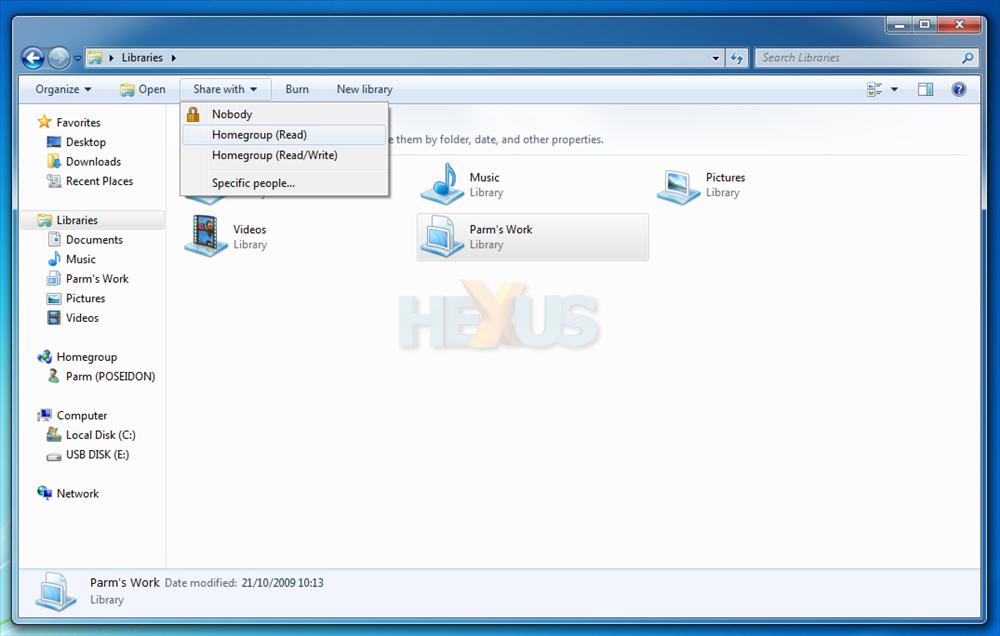
Made a few Libraries of your own? They can be shared with the HomeGroup, as pictured above. It all just seems to work - a statement that rarely goes hand-in-hand with networking.
With Windows 7, Microsoft is hoping to "simplify everyday tasks" and, as far as home networking is concerned, it's a solid step forward. But what about security?



