Physical Look
Looking at the Disk Station for the first time, you'd be forgiven for mistaking is for some form of HTPC or PVR system, as was the case when I posted a couple of preview pictures in HEXUS.pipelines. At roughly 18cm tall, 6cm wide and 21cm deep, you can situate the Disk Station on a desk, tucked away in a corner, or pretty much anyway. However, the manual does insist that you stand it on its base and not lay it on its side, the reason for which we'll see shortly.
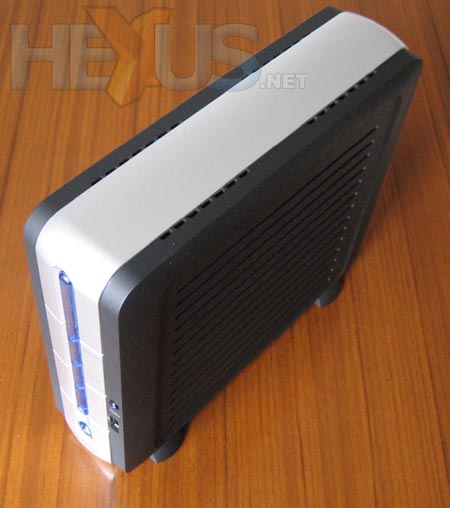
Silver, blue and dark grey are the colour scheme here, nothing lavish, so the Disk Station will be fairly inconspicuous wherever you put it.
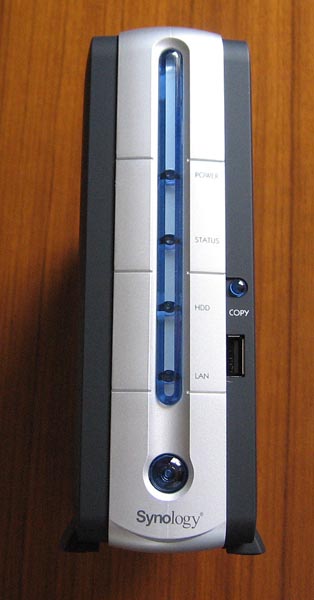
Top to bottom we have power, status, HDD and LAN activity LEDs with the power button at the bottom. To the right is the front USB port and the copy button.
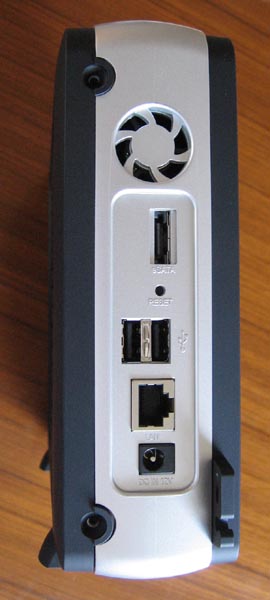
Around the back there are two further USB ports, the DC power input, reset button hole, eSATA port, fan exhaust and of course an RJ45 socket. The DC power tell us that the Disk Station comes with an external power brick, capable of 3.3A at 12V. While there is a SATA port for connecting an external SATA drive, there is no external SATA power connection. It would be a useful feature to have, but I expect the current power brick would have issues powering an external and internal hard drive, along with any USB devices that might be connected.
One side of the Disk Station slides off much like the side panel of a PC case. The Disk Station enclosure is entirely plastic, making it feel a little cheap. However, there is enough sturdiness in the design for you to not worry about snapping anything off. Take care when removing the side panel; the front USB port and copy button are mounted on it, so a short cable runs between it and the mainboard.
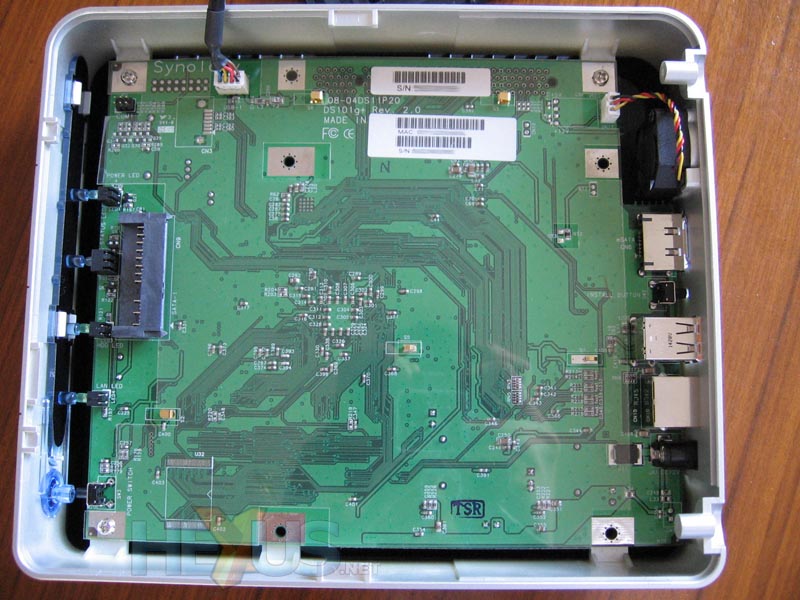
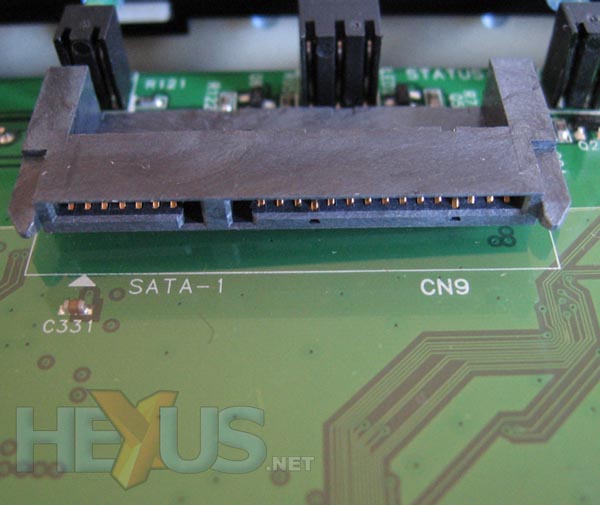
Delving inside the Disk Station we're met with the reverse side of the mainboard. This is the area in which the internal hard drive is mounted, so there's little in the way of components mounted on this side of the board. Towards the front is the SATA and power connection for the internal drive.
Curious to see what makes the Disk Station tick, I removed the motherboard to have a look at the component side.
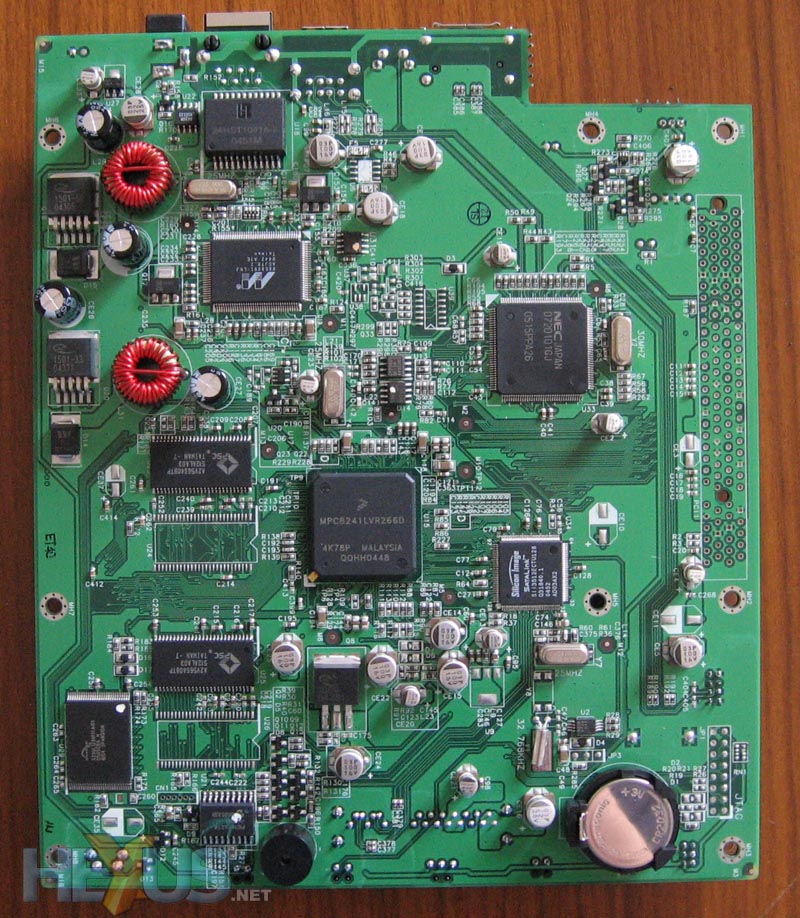
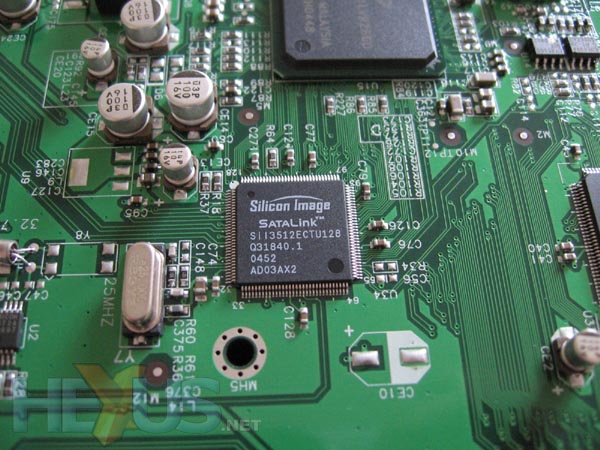
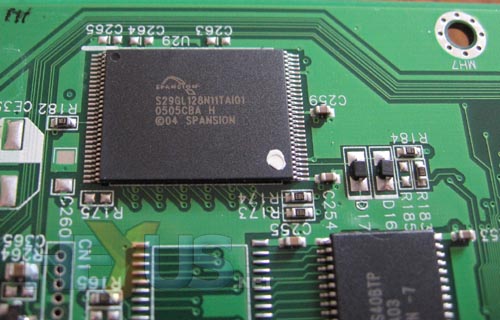
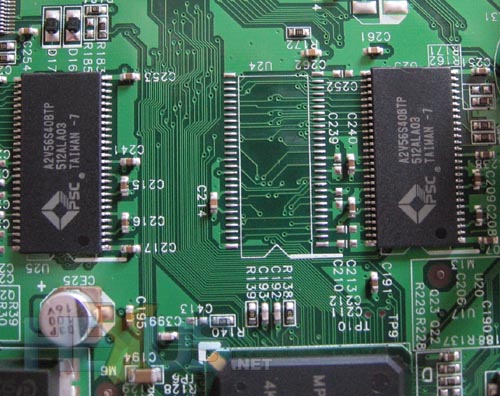
At the heart of the Disk Station is a Freescale MPC8241 Integrated Host Processor, which features a MPC603e PowerPC processor. Powering the SATA connectivity is a Silicon Image SATALink chip. The system runs on a Linux based OS, stored on a 16MiB Spansion flash memory chip, with 64MiB of RAM.
With plenty going on in such a small space, things are going to get warm when you get a hard drive inside the Disk Station, hence the fan.
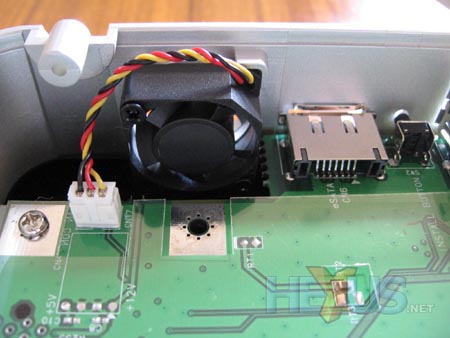
This 25mm fan doesn't look like much, but when running it can shift a surprising amount of air, with an equally surprising amount of noise. Fortunately, the fan is temperature controlled, only running when the temperature reaches a certain level. The down side is that once the Disk Station has been switched on for a while, this can be quite often. The Disk Station must be stood up so that the fan can extract the rising heat. However, I suspect a somewhat larger fan could have been mounted on the side panel of the Disk Station to provide better cooling for the system.
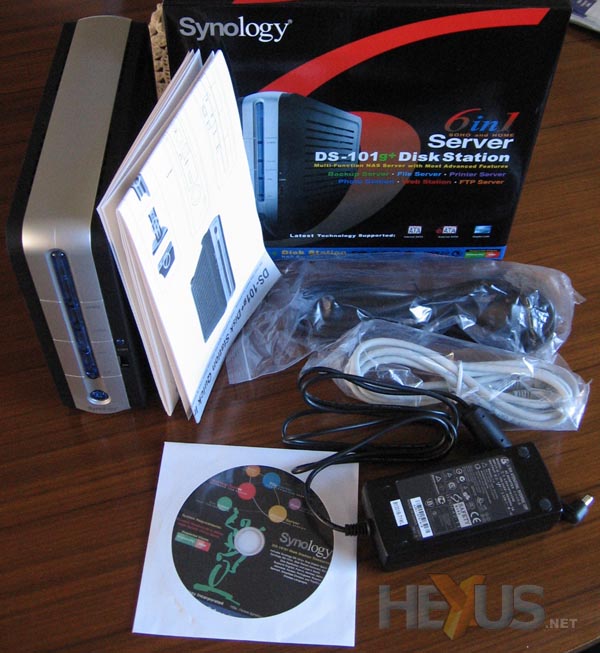
Within the box for the Disk Station you'll find everything you need to get going, including setup guide, software CD, power brick and cable, and a CAT5 patch lead. The only thing you won't find is a hard drive.